

- Colosseum keeps a log of each request your agent makes to Copilot, including your search text, for 12 months.
- Sharing your questions and answers is optional, and off unless you turn it on. Shared conversations are kept for 12 months.
- Your Copilot questions aren’t used in accelerator admissions or hackathon judging.
- You can turn sharing off, revoke an agent’s access, or ask us to delete your data at any time.
Your own projects and team
Once you sign in, your agent can read your own Colosseum profile and projects when that helps answer your question, for example when you ask for feedback on your project. It doesn’t read them at the start of every conversation. This covers your Arena profile, whether you’re registered for the current hackathon, the projects you own or joined (including drafts and your private submission answers), project updates, your teammates’ names, usernames and Arena-visible profile fields, a public accelerator cohort, and prizes once results are published. It never includes teammates’ email addresses, judging scores or reviews, application status, or anything about other users. Copilot asks your agent to help you improve your own submission answers rather than write them for you. It treats text written by teammates as project data, not instructions.What your agent sends
When your agent uses Copilot, it sends Colosseum your search text, any filters, and which projects or documents it wants to open. Anything you put in a question can end up in that search text, even if it doesn’t show up in the answer. We send search text to Google’s Gemini API to search projects and the research library. Google processes it on our behalf and doesn’t use it to train its models. When your agent opens The Grid, a tool’s docs or any other website, that site receives the request. Your files stay on your computer unless your agent’s own tools send them somewhere. Your agent and its AI provider have their own privacy policies. Keep passwords, keys and private code out of your questions, and never paste a sign-in token into a prompt.What Colosseum keeps
Each request your agent makes to Copilot is recorded under your account. For searches and lookups, the record includes the search text, the filters, or the project or document requested. It also includes the time, what was requested, whether it worked, how long it took, the skill version and details about your agent. We use these records to run Copilot, keep it secure, find problems and improve its answers. We keep them because we have a legitimate interest in doing that. We delete each record after 12 months. Your questions don’t affect your applications. Colosseum doesn’t use your Copilot questions or answers in accelerator admissions or hackathon judging.Optional sharing
When you approve an agent, you can check Help improve Copilot (optional) to share your questions and your agent’s answers with Colosseum. It stays off unless you check it.- What’s shared: your questions and your agent’s answers. Not your files, and not the tool output your agent works through along the way.
- When: once sharing is on, your agent shares every conversation where it uses Copilot, after each answer, without asking you each time. This continues until you turn sharing off. Your agent mentions that sharing is on once, after you first sign in.
- Each sign-in is separate. Your choice applies only to the sign-in you’re approving.
- Who sees it: Colosseum, to improve Copilot. Shared conversations aren’t published or shown to other users.
- How long: 12 months.
Your choices
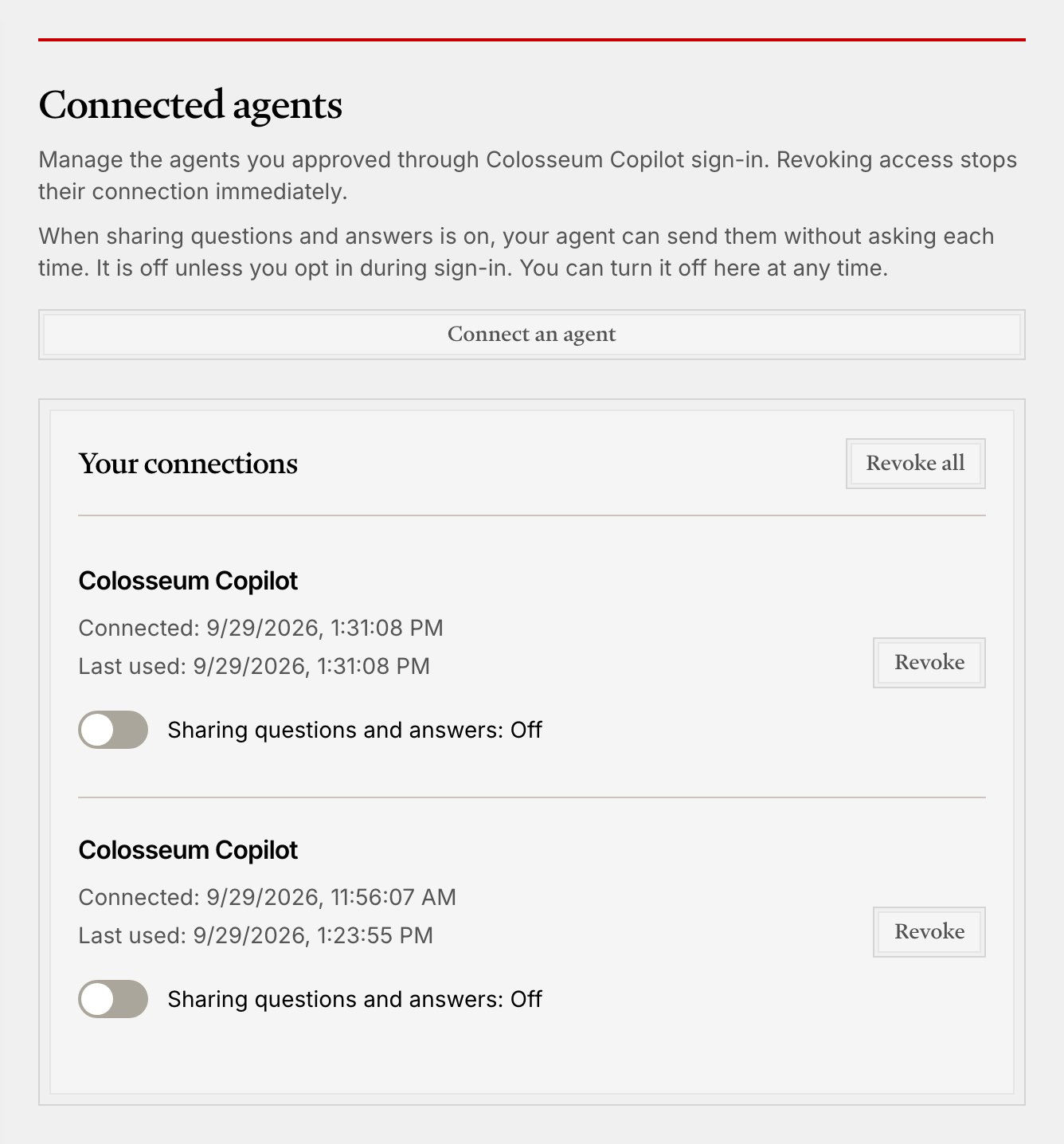
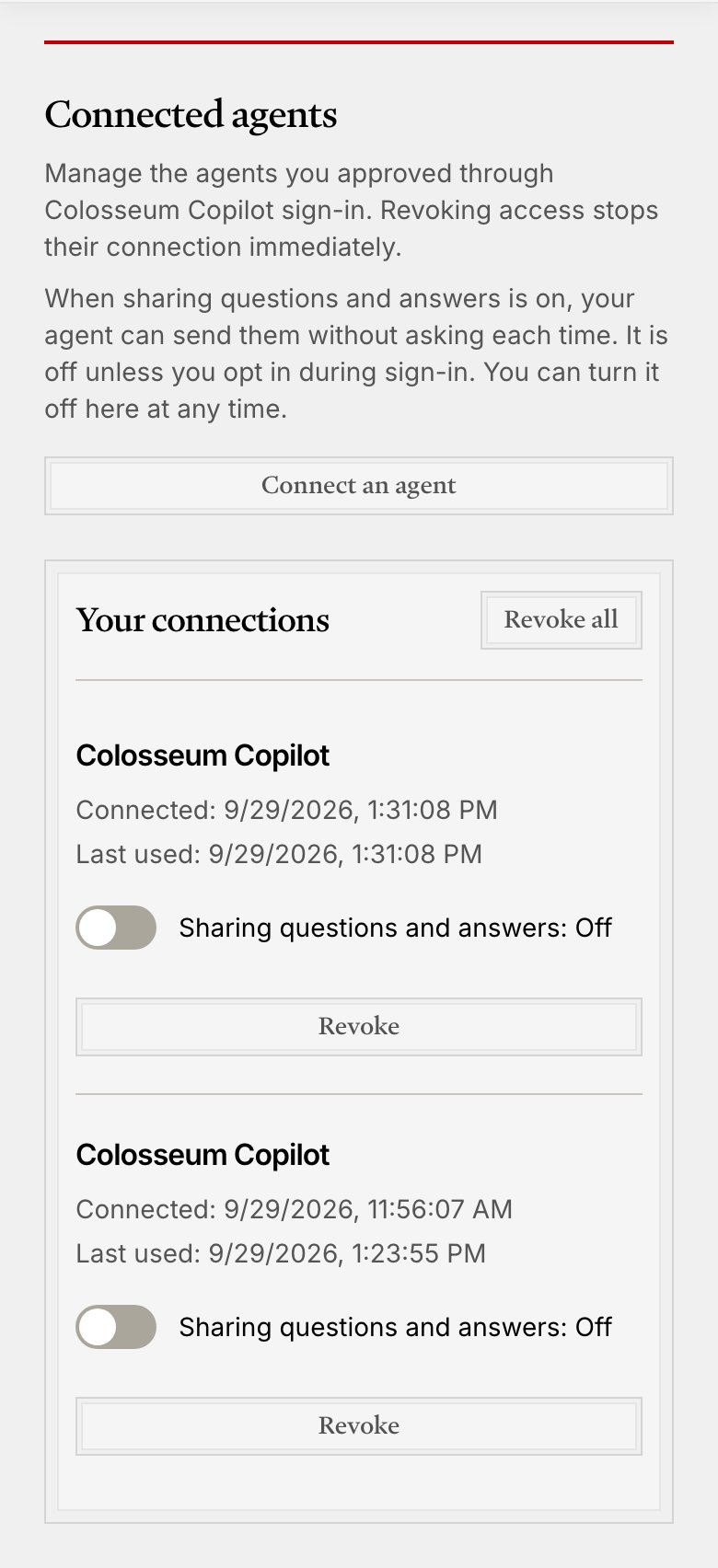
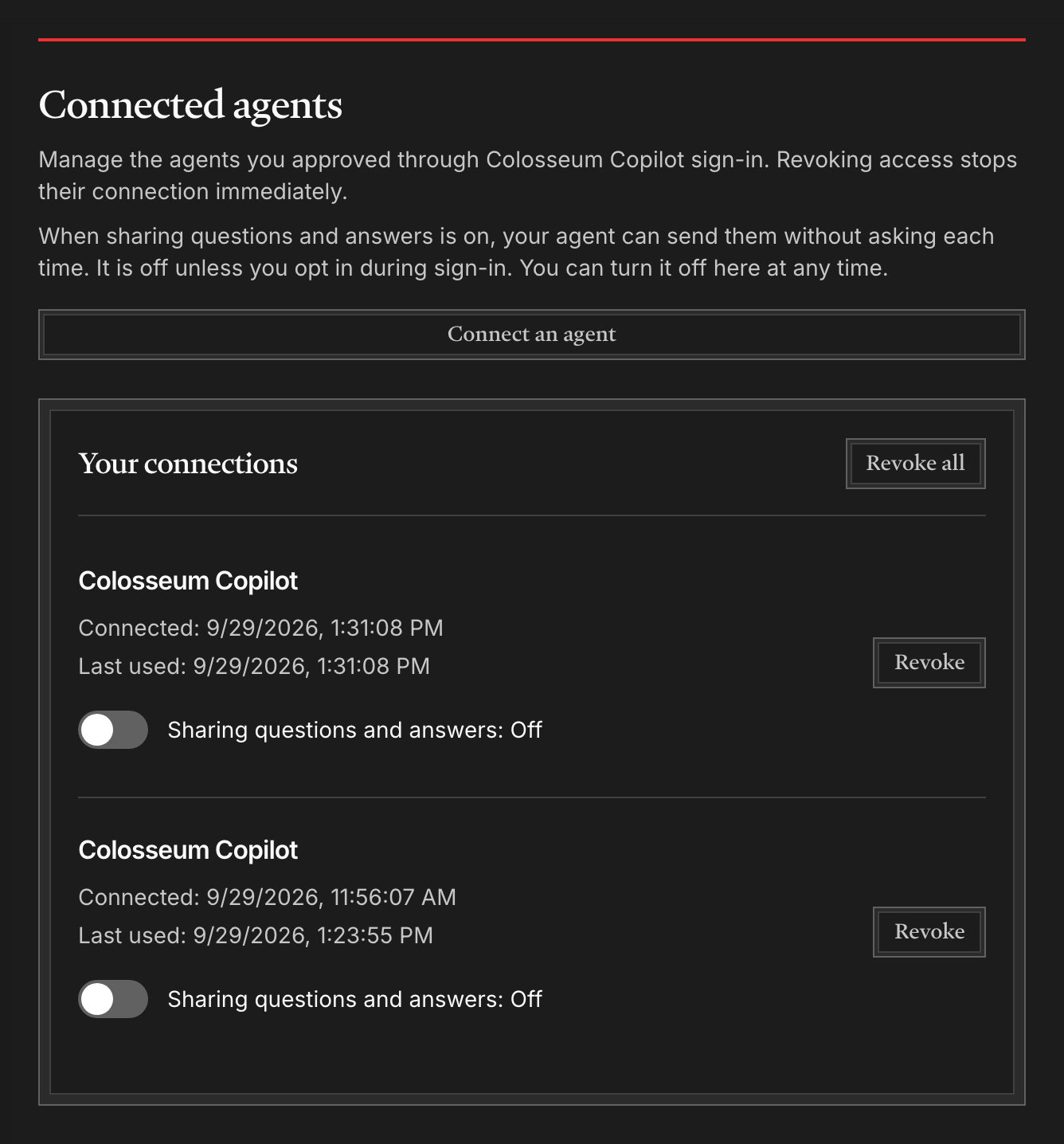
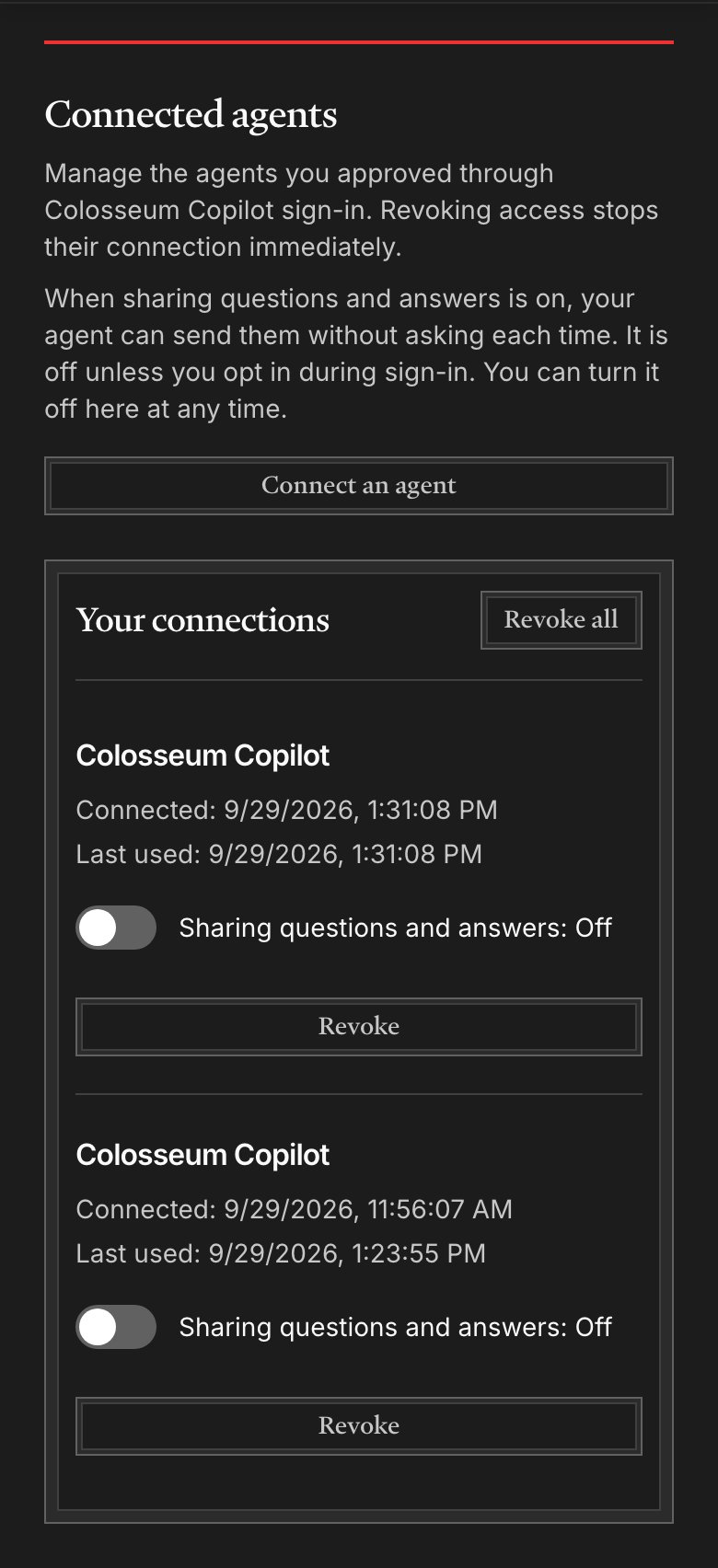
- Turn sharing off or on for any agent on the Connected agents page. Turning it off stops new uploads from that agent.
- Revoke an agent, or all of them, on the same page. You can also run
npx @colosseum-org/copilot-connect revokeon that computer. - Object to how we use your request records by emailing [email protected]. We’ll stop using your records and delete them.
- Get a copy, or ask for earlier deletion, of your request records and shared conversations by emailing [email protected].